Research
Throughout this module, I’ve learnt how to create 3D models by using Maya and Adobe substance painter, using the various tools that are found within the software, including UV mapping, the target weld tool, the multi cut tool, the bevel tool and many more techniques. This module requires me to choose a main theme (fantasy, historical, science fiction and horror) and a subtheme (alien, corruption, decay, family, celebration, utopia and dystopia) for the assignment, I ended up choosing historical and alien as I wanted to create something that was not in this world, whilst also making sure that it looks ancient and worn, but I might change my mind later on.
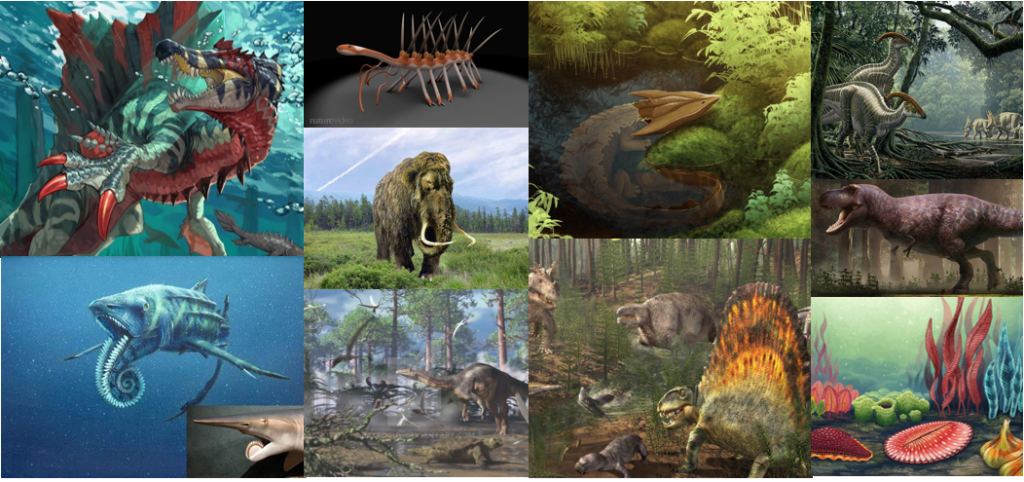
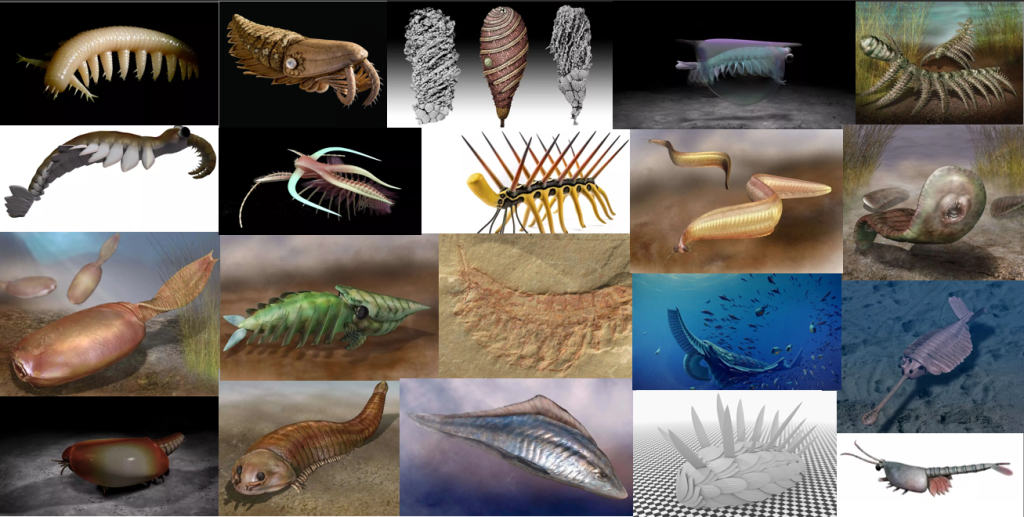
I did some extensive research on what kind of asset I wanted to create, and I ended up narrowing the research down to prehistoric animals (dinosaurs, woolly mammoth, ect). I wanted to originally create a dinosaur, since I’m a massive fan of those, but I realised that dinosaurs do not look alien enough, so I decided to research a bunch of other creatures as well. I ended up narrowing that research down Cambrian Era lifeforms, which existed over 500 million years ago, as they look odd and would definitely be easily mistaken for an alien by someone who does not know what it they are at all.
Planning
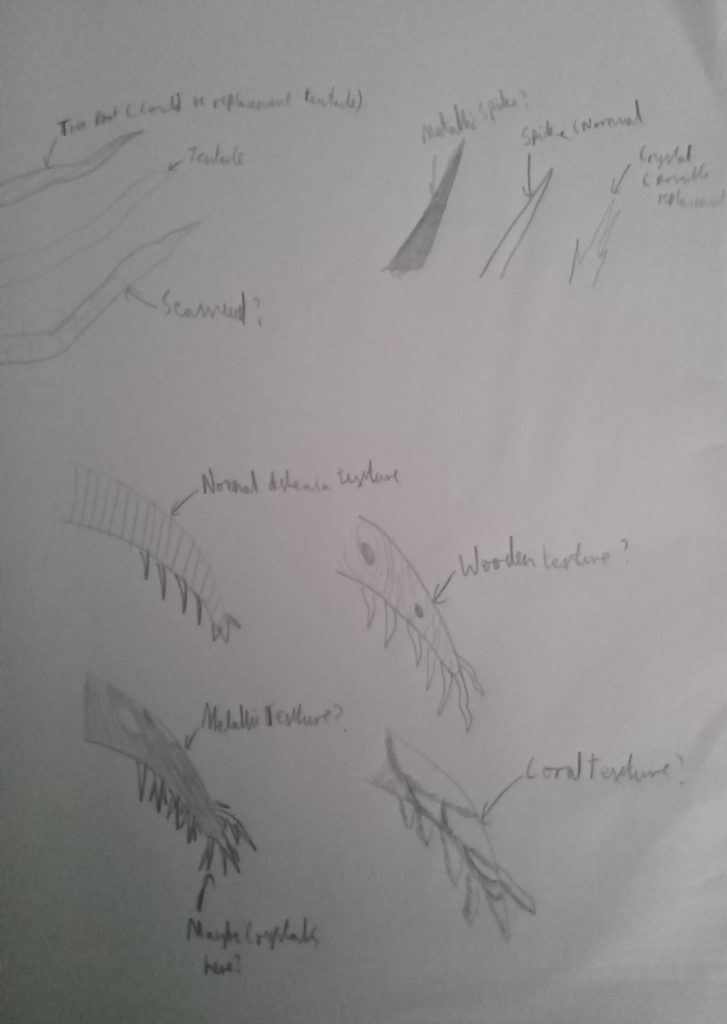
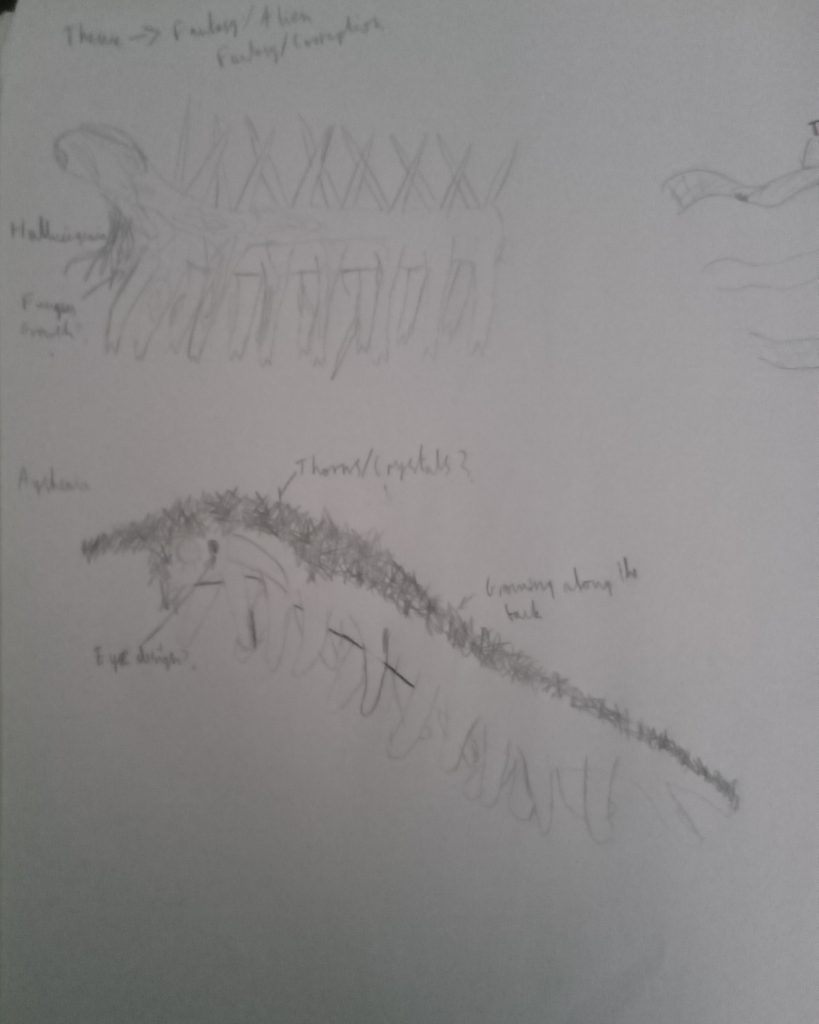
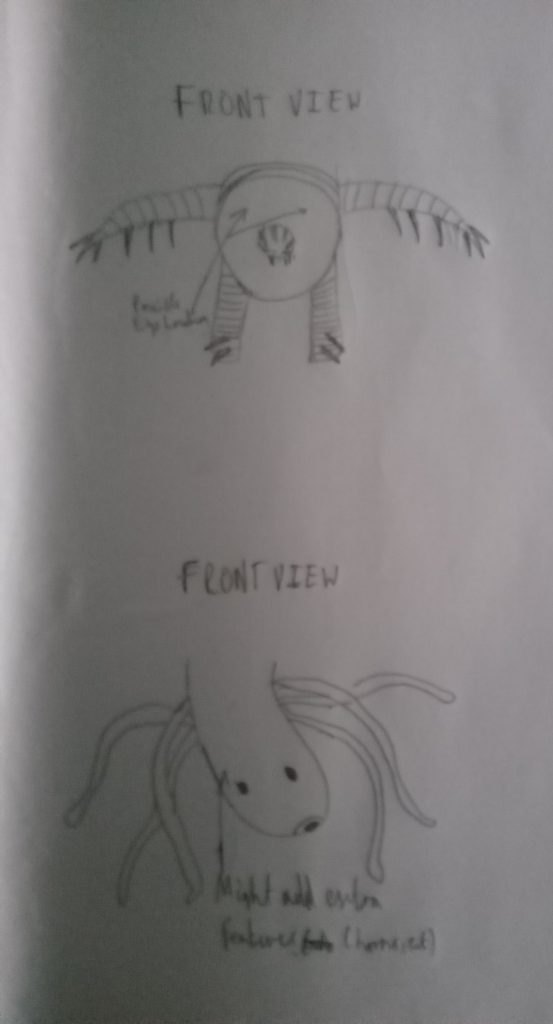
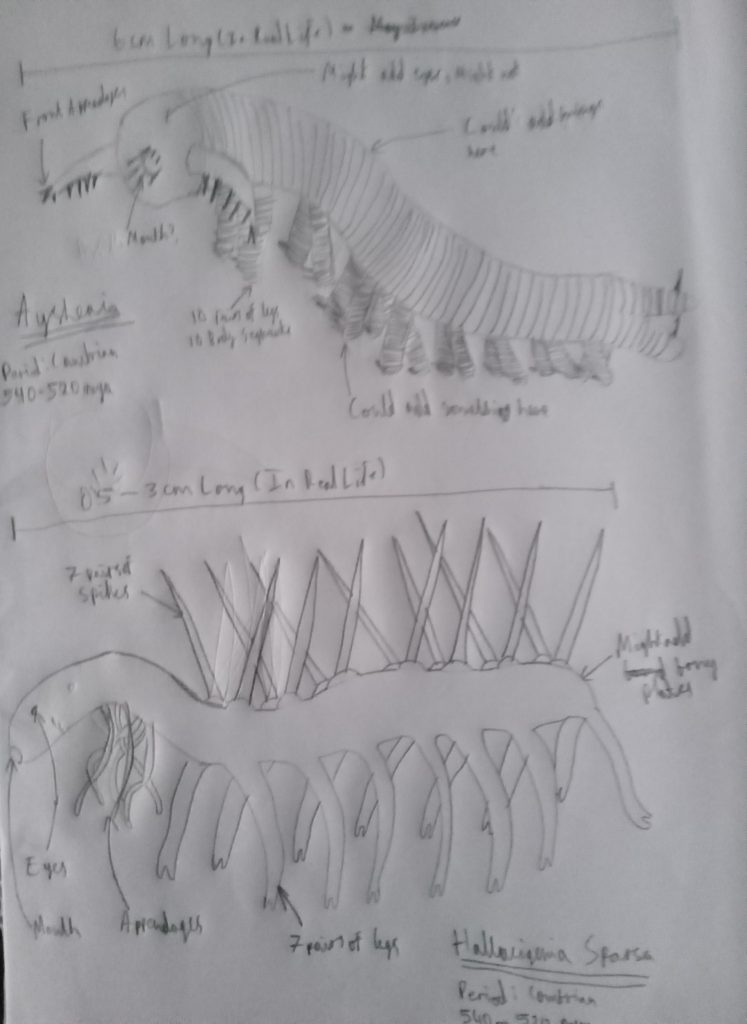
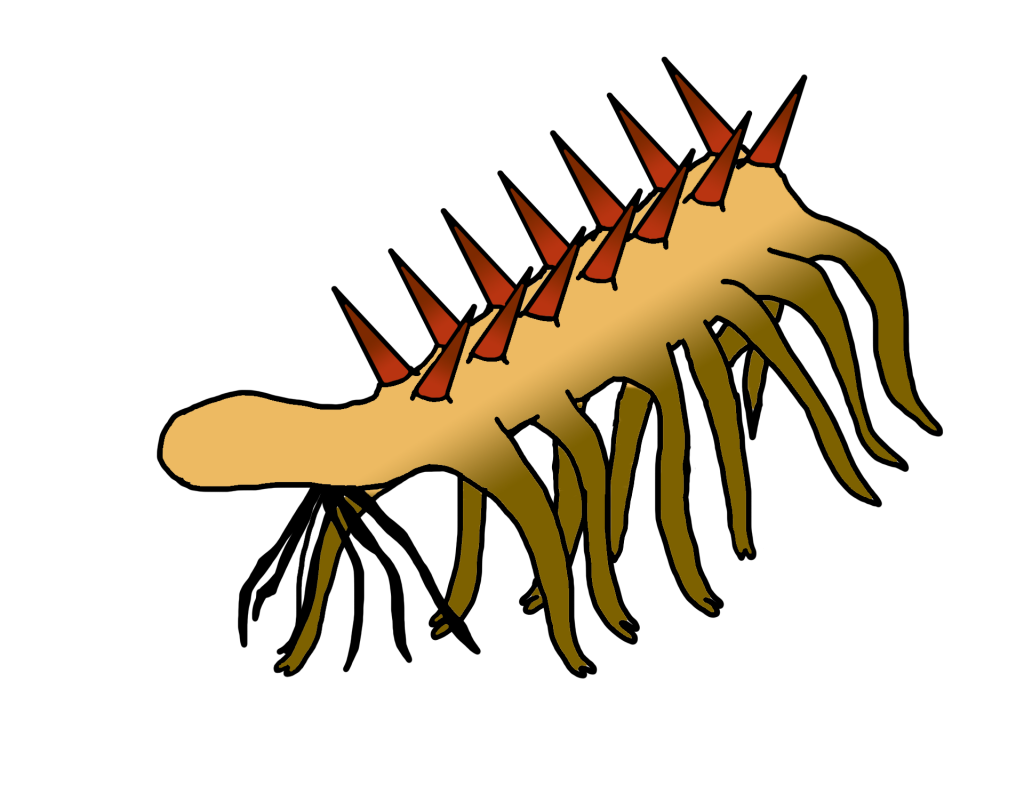
Even though most of the Cambrian Era lifeforms looked strange, I took a particular liking of two different species: Hallucigenia and Aysheaia, as they looked the most appealing in terms of looking alien like in my point of view. So I just started to sketch out a few ideas as to what I could potentially do with these creatures, like adding extra robotic features or natural features (such as thorns and fungi) or just keeping the normal design of these creatures with only subtle differences (sketches can be seen below). I ended up choosing Hallucigenia out of the two, as I found that it was much stranger looking than Aysheaia, as Aysheaia looks very similar to worms and could be seen as a creature that could exist in today’s world (Dinopedia Fandom Wiki, n.d.). So, I expanded on the Hallucigenia design by creating a coloured version of it on adobe photoshop, through using the brush, fill, eraser and gradient tools, as seen below.